The device knows the difference between riding, charging, looking something up and setting something. Each mode shows what that job needs and nothing else.
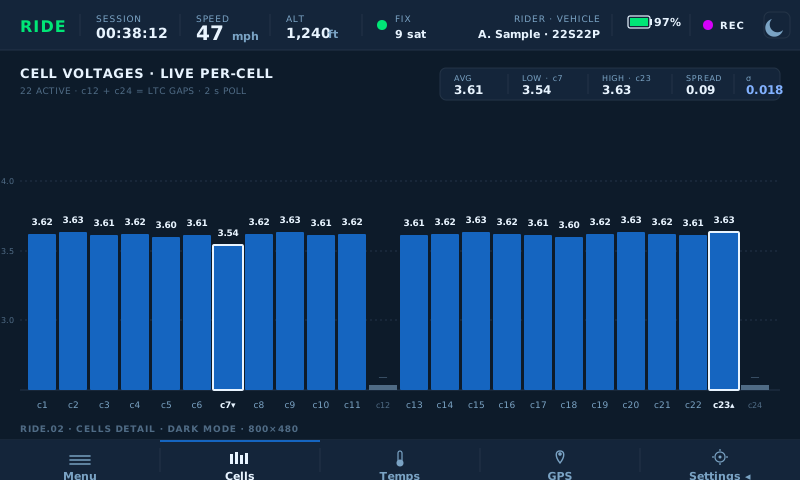
Pack voltage, average and lowest cell, highest temperature, GPS speed and altitude, and a live bar for every cell in the pack — refreshed continuously while you ride. The weakest cell is always marked, and standard deviation across the pack is tracked so a drifting cell is visible before it becomes a problem.
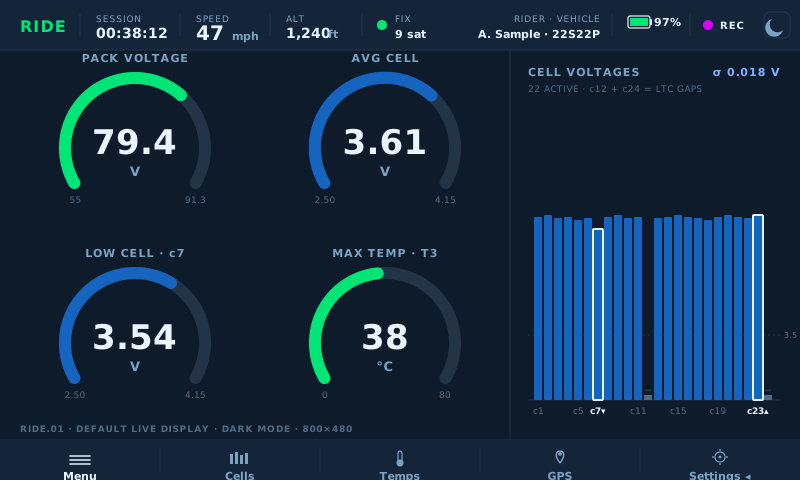
Open the cells view for exact voltages, sorted or in pack order, with outliers highlighted at a threshold you set.
Ten pack thermistors plus onboard ambient. Motor, inverter and coolant have their place on screen and show "No input" until a source exists.
Adjust BMS limits from a swipe panel, with safety bounds enforced by the interface. No laptop at the trailhead.
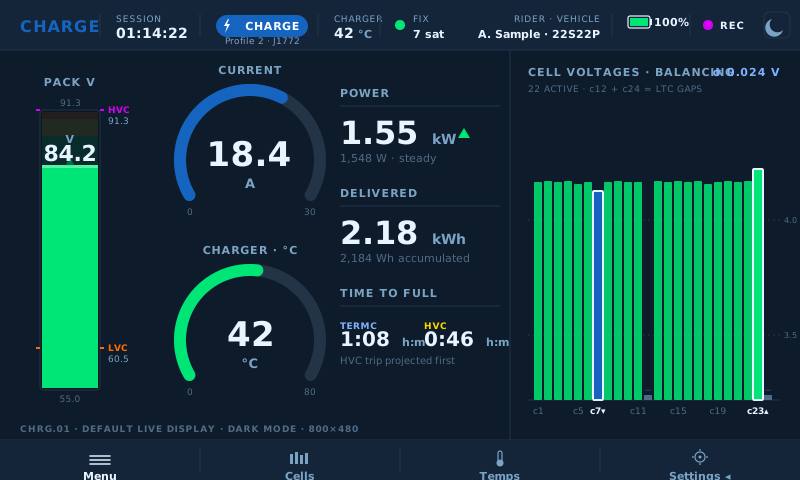
The DBB reads the EVCC's trace stream and polls the BMS at the same time, so a charge session is recorded from both ends: what the charger delivered, and what the pack did with it. Pack progress, live current, watt-hours delivered, and cell balance as it happens.
Leave the bike plugged in with the DBB powered and it waits — when the charger wakes the bike up, the devices are found and the session records itself with nothing tapped.
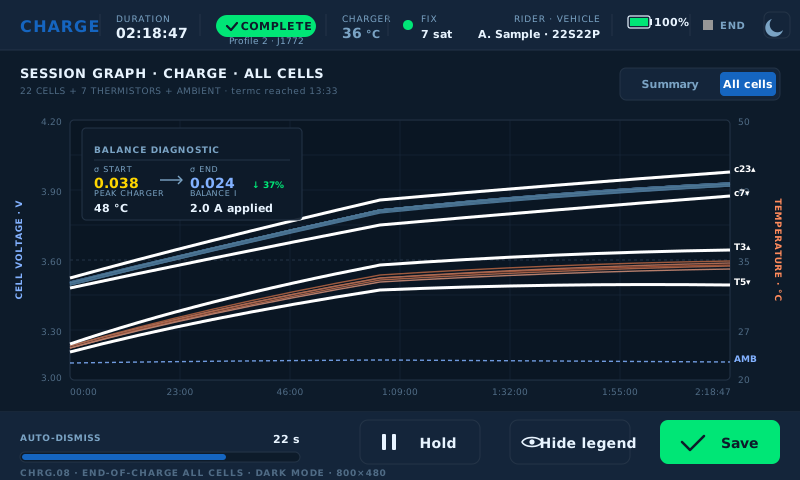
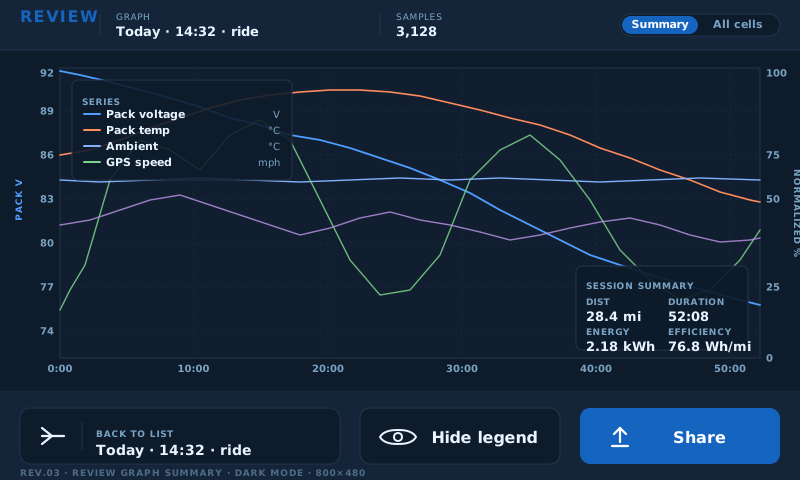
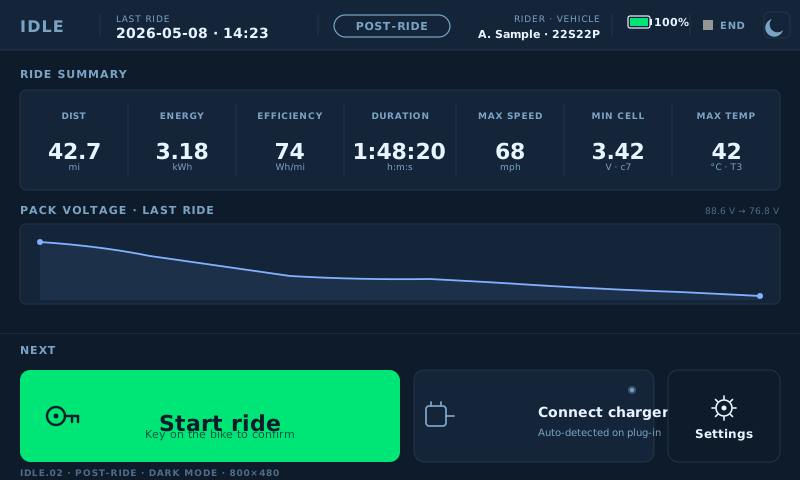
Every session stays on the device and can be opened there — no laptop, no export step, no cloud. Browse as cards or a list, open any session, and pan and zoom the graph. Default view overlays pack voltage, temperature, GPS speed and altitude; the all-cells view draws every cell and every thermistor for the whole session.
Both devices are configured from the touchscreen, with the interface enforcing safe bounds on every value. Rider profiles keep each bike's setup separate. Time comes from GPS, a phone or the calendar. Sessions export to a USB stick, and a diagnostics bundle — logs, settings and learning data — copies out in one action when something needs looking at.
The whole interface runs without a bike attached, on simulated data — for learning the device, for training a new technician on it, and for showing a customer what it does before a wheel turns.